Vmware Training in Madurai
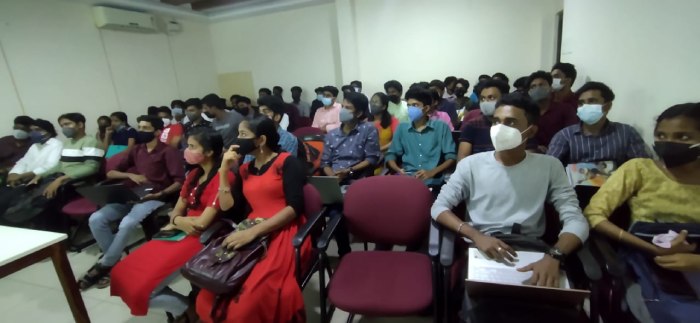
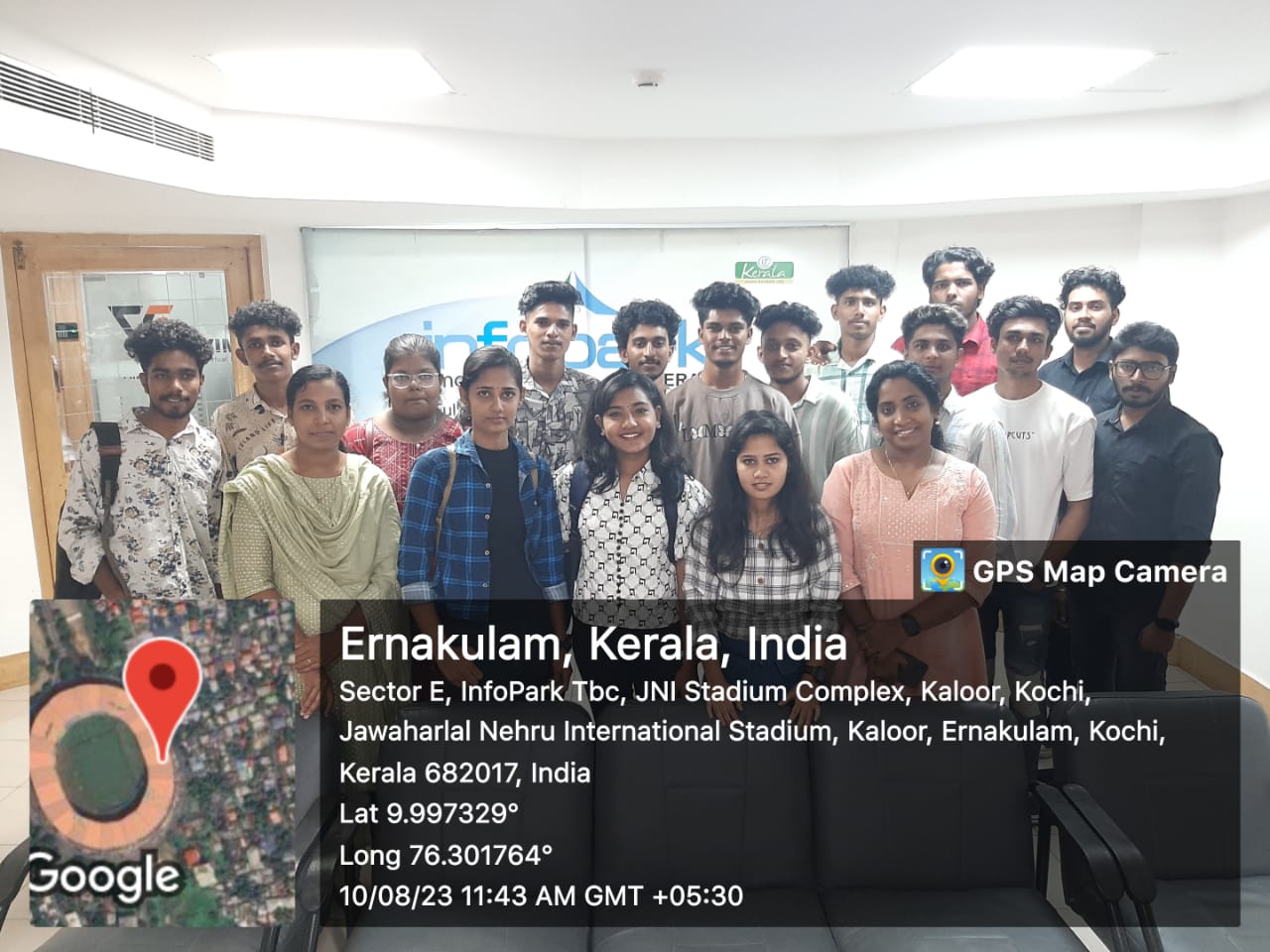
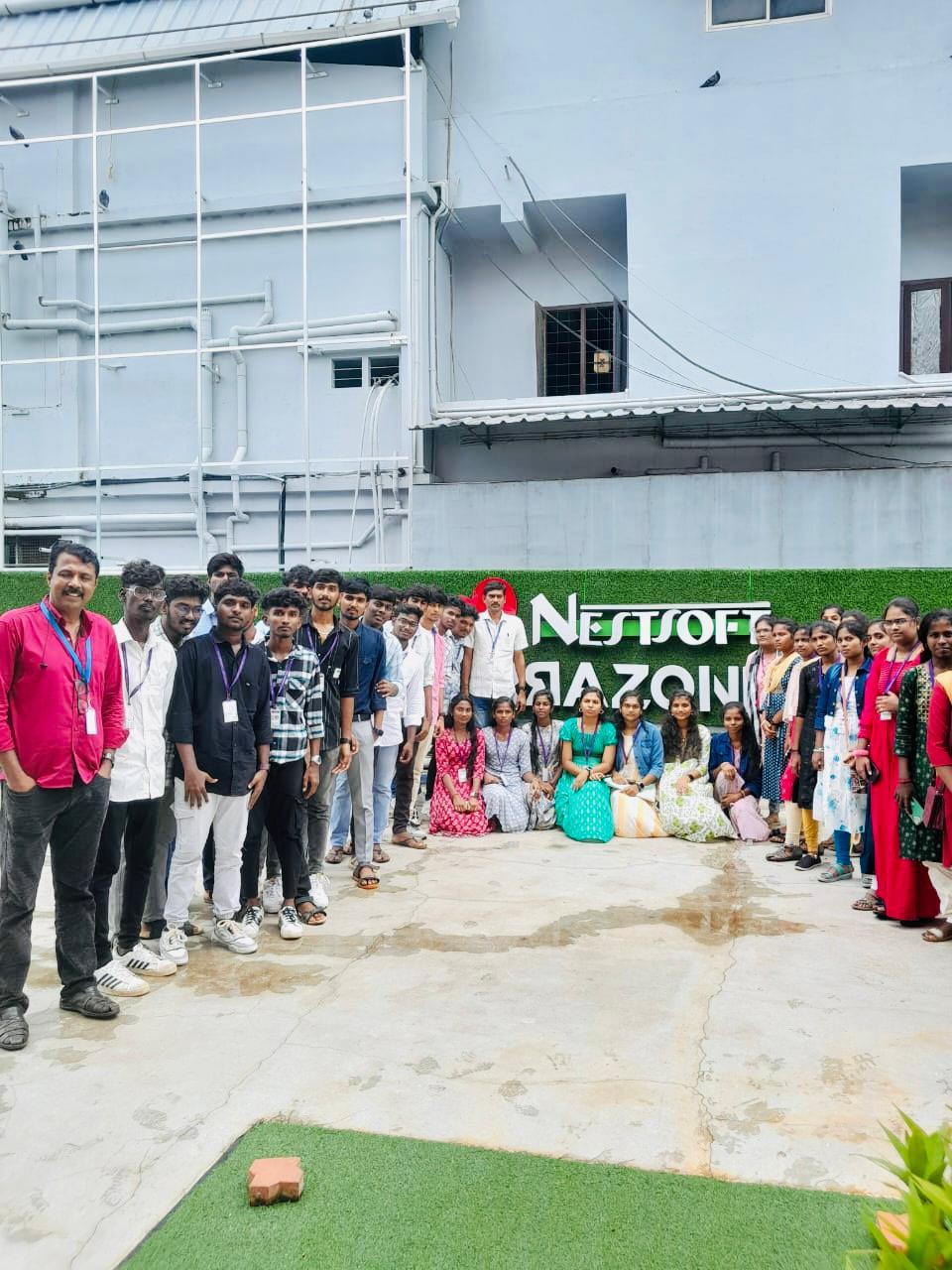
Our Training/Internship Process

Vmware - Syllabus, Fees & Duration
Section 1 : Course Introduction
- Introductions and course logistics
- Course objectives
Section 2 : Introduction to VMware Virtualization
Section 3 : Configuring ESXi/ESX
Section 4 : Installing and Using VMware vCenter Server
Section 5: Networking
- Explain performance features of network adapters
- Explain the performance features of vSphere networking
- Use esxtop to monitor key network performance metrics
Section 6 : Storage Scalability
Section 7 : Virtual Machines
Section 8 : Access Control
Section 9 : Resource Monitoring
Section 10 : Scalability
Section 11 : High Availability and Data Protection
Section 12 : Configuration Management
- Patching using vCenter Update Manager
Section 13 : Installing ESX
- Discussion of virtualization & vSphere components /li>
- Configuration of ESXi and ESX
- Install and configure vCenterServer
- Use the VMware vSphere Client
- Configuration of vNetwork standard
- Distributed switches, network connections & port groups
- Storage management technologies
- Deploy virtual machines using templates
- VMware vCenter Converter
- Guided Consolidation
This syllabus is not final and can be customized as per needs/updates
- Since 2001, Making IT Experts by Experts
- Duration: 40 Hours (Vary as per your skill)
- Course Fees
- Individual Live Classes (1:1)
- Batch Classes @ Low Fees
- Training on Your Time, Any Where
- Access to Recorded Videos
- Practical Internship on Projects
- 100% Placement Support by our jobsHybrid.com
- Training/Internship Certificate
- Agra
- Ahmedabad
- Alappuzha
- Aurangabad
- Bangalore
- Belgaum
- Bellary
- Bhubaneswar
- Chennai
- Cochin
- Coimbatore
- Delhi
- Dindigul
- Erode
- Gulbarga
- Guntur
- Gurgaon
- Haryana
- Hyderabad
- Idukki
- Indore
- Jaipur
- Kalyan
- Kannur
- Kanpur
- Kasaragod
- Kerala
- Kolkata
- Kollam
- Kottayam
- Kozhikode
- Lucknow
- Madurai
- Malappuram
- Mangaluru
- Mumbai
- Mysuru
- Nagpur
- Nashik
- Navi Mumbai
- Nizamabad
- Noida
- Palakkad
- Pathanamthitta
- Pune
- Punjab
- Salem
- Shimla
- Solapur
- Surat
- Thane
- Thanjavur
- Thirunelveli
- Thoothukudi
- Thrissur
- Tiruchirappalli
- Tiruppur
- Trivandrum
- Vadodara
- Varanasi
- Vellore
- Vijayawada
- Visakhapatnam
- Wayanad
Course Highlights

Our Locations


 You can also extend your work opportunities at the same time. To obtain a virtual understanding of the process, NESTSOFT's VMware training contains the important important theories of virtualization, such as Cloud Management and Automation, Data Center and Virtualization, Desktop and Mobility, and so on. Students will be able to deploy VMware products and manage VMware cloud environments once they have completed training. Vmware Certified applicants get extensive understanding in Network Virtualization, Cloud Management, Digital Workspace, Data Center Virtualization, and other areas, and are able to work with any technology.
. VMware certification has significant advantages for both newcomers and working professionals, as it allows them to confidently perform important responsibilities involving VMware solutions and technologies. Instructor-led or on-demand VMware training courses are frequently available to meet your preferred learning style. This hands-on training course provides VMware vSphere installation, configuration, and management, including VMware ESXi / ESX and VMware vCenter Server. You can also extend your work opportunities at the same time. In this digital world, the VMware Certifications is a high-credential certification, and getting this certificate program at Nestsoft will expand your chances of getting a job.
You can also extend your work opportunities at the same time. To obtain a virtual understanding of the process, NESTSOFT's VMware training contains the important important theories of virtualization, such as Cloud Management and Automation, Data Center and Virtualization, Desktop and Mobility, and so on. Students will be able to deploy VMware products and manage VMware cloud environments once they have completed training. Vmware Certified applicants get extensive understanding in Network Virtualization, Cloud Management, Digital Workspace, Data Center Virtualization, and other areas, and are able to work with any technology.
. VMware certification has significant advantages for both newcomers and working professionals, as it allows them to confidently perform important responsibilities involving VMware solutions and technologies. Instructor-led or on-demand VMware training courses are frequently available to meet your preferred learning style. This hands-on training course provides VMware vSphere installation, configuration, and management, including VMware ESXi / ESX and VMware vCenter Server. You can also extend your work opportunities at the same time. In this digital world, the VMware Certifications is a high-credential certification, and getting this certificate program at Nestsoft will expand your chances of getting a job.